


eSIM Profile Downloaded to the Wrong Phone? Recovery Options Before You Buy Again

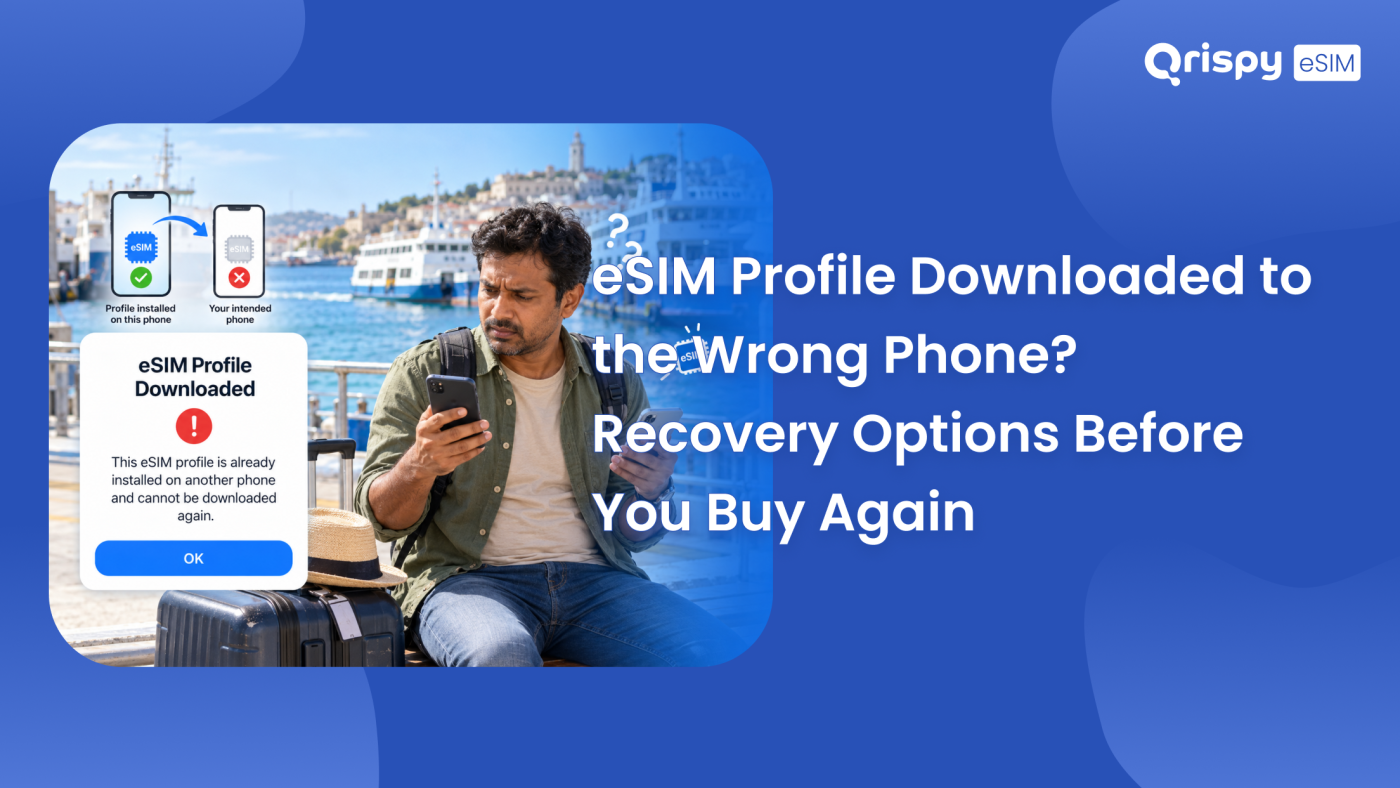
You scanned the code on the handset that happened to be in your hand. The plan installed perfectly, on the wrong phone. Now the device you are actually travelling with has nothing.
Start here. An embedded SIM (eSIM) profile is written into the secure chip of the exact device that downloaded it, so you cannot pick it up and carry it across by rescanning the code. That code is normally spent. Do not delete the profile in a panic, because deleting it rarely hands the code back. Contact the provider that issued the plan first, since many can reset or reissue a profile that landed on the wrong device. If both handsets are yours and both are iPhones, a direct transfer may move the line without you paying anything at all.
What follows is the recovery order that actually works, from the free options to the paid ones. It covers what your provider can realistically do, the transfer routes on iPhone and Android, what to do when the wrong phone belongs to somebody else, how to tell whether your plan validity has already started, plus the checks that stop this happening on your next trip.
Why the profile is stuck there
A profile is not a document you can copy. Think of it as a Subscriber Identity Module (SIM) card that is written rather than inserted. During installation your phone proves its identity to a remote server, receives a package built for that specific chip then writes it into the embedded Universal Integrated Circuit Card (eUICC) inside the handset. The operator keys inside that package are matched to the device that requested them. A different phone cannot read the package even if you somehow copied it across.
The activation code behaves the same way. Most retail Quick Response (QR) codes are single use: once the server has delivered a profile against that code, the code is marked as consumed. Scanning the picture again on the correct device produces a failure, usually the same generic message you saw when the download misbehaved. This is a deliberate security design rather than a flaw, which is also why nobody can steal your plan by photographing your screen.
Fixing an eSIM downloaded to wrong phone
Work down this list in order. The early steps cost nothing, so there is no sense buying a replacement plan until you have tried them.
Stop before you delete anything
Resist the instinct to delete the profile from the wrong handset. On most services deletion does not release the activation code back to you, so you can end up with no working profile and no way to reinstall. Before you touch anything, capture the plan details from the device that has it: open the plan in Settings and screenshot the Integrated Circuit Card Identifier (ICCID) along with any phone number shown. Note the order reference from your confirmation email too. Support teams work faster when you hand them identifiers instead of a description.
Ask the provider to reissue
This is the step that most often solves the problem, yet people skip it because they assume the answer is no. Providers can see the state of your profile on their own systems. Some will reset it so a new activation code can be issued for the right device, particularly when the plan has not connected to a network yet. Send a single clear message that includes your order reference, the model of the phone that received the profile, the model of the phone that should have it, the ICCID plus the eUICC Identifier (EID) of the correct handset. Ask directly whether the profile can be reissued for the second device. Google publishes a worked example of this kind of recovery in its support documentation for its own mobile service, which gives you a sense of the information any provider will want.
Transferring between 2 iPhones
Where the plan belongs to a carrier that supports it, iOS can move a line between iPhones without a new code. On the phone that should have the plan, open Settings, then “Mobile Service” on a current UK English iPhone, then “Add eSIM”, then choose the option to transfer from a nearby iPhone. Keep both devices unlocked, awake, close together and signed into the same Apple Account. The sending phone shows a prompt that has to be approved. Not every provider allows this, so treat a refusal as a policy answer rather than a broken feature, then go back to the reissue route. Apple keeps current transfer guidance on its official support site.
What Android can and cannot do
Android transfer support depends on the manufacturer, the carrier plus the pair of devices involved. Recent Pixel and Samsung handsets offer a plan transfer during setup, sometimes described as moving a SIM from your old phone, though carrier approval is still the deciding factor. On a Samsung the eSIM screens live under Settings, then “Connections”, then “SIM manager”. On a Pixel they sit under Settings, in the network and internet section, then “SIMs”. Where transfer is unavailable, the reissue conversation with your provider is the only route.
What different providers usually allow
Policies differ sharply by the kind of plan you bought. The table below sets out the pattern rather than any specific company’s rules, so confirm the detail with whoever sold you the plan.
| Type of plan | Typical position | What to ask for |
|---|---|---|
| Monthly contract line | Usually recoverable, since the account continues. | A reissued profile for the correct device. |
| Prepaid travel plan, not yet connected | Often recoverable at the provider’s discretion. | A profile reset before validity starts. |
| Prepaid travel plan, already connected | Harder, because the plan has begun. | Any remaining allowance moved to a new profile. |
| Account credit or wallet balance | Normally safe, because it sits with the account. | Confirmation the balance survives a new profile. |
| Profile on a handset you no longer hold | Treated as a security matter. | Immediate deactivation of that profile. |
When the wrong phone is not yours
Sometimes the profile lands on a family member’s handset, a work device or a phone you have since sold. Each case needs a different first move.
- Family or friend’s phone: ask them to leave the profile alone until your provider confirms the next step.
- Work phone: tell your IT administrator, since a managed device may block removal anyway.
- Phone you have already sold or returned: contact the provider immediately to deactivate that profile.
- Lost or stolen handset: treat it as a security incident before a billing question.
- Shop demonstration device: ask the retailer to erase it in front of you before you leave.
Speed matters most in the last 3 cases. A data profile carries no phone number of its own on most travel services, so the risk is unwanted usage rather than someone receiving your calls. Even so, a plan sitting on a stranger’s phone is a plan you are paying for.
Has your plan already started?
This question decides how much you can recover, so answer it before you negotiate. Travel plans usually begin counting in a way the seller states clearly at purchase: either from your first connection to a supported network in a covered country or from the moment you activate the plan yourself. Installing a profile is not always the same event as starting it.
If the wrong handset never connected to a covered network, there is a reasonable chance your validity has not begun, which strengthens your case for a clean reissue. If the wrong phone did connect, perhaps because it sat in your bag abroad, the clock has probably started. Check the plan details screen on the device that has the profile: both platforms show a data usage figure for the line. A figure above zero tells you the plan has been in use.
Buying again as a last resort
Sometimes there is no recovery, particularly with a consumed prepaid plan on a device you cannot reach. Before you buy a replacement, run 3 checks so you do not repeat the mistake. Confirm the target handset is unlocked and eSIM ready against the compatibility details your provider publishes. Confirm you are buying for the model you will actually carry. Confirm how the new plan’s validity starts, so you do not activate it a week early.
Then install it from the correct device rather than from an email on a laptop. If the seller offers an in-app installation, use that route instead of a photographed code: an app install already knows which handset it is running on, which removes the entire class of error this article is about.
Installing on the right phone next time
Prevention here is genuinely simple. Buy the plan while holding the phone that needs it. Install before you leave home rather than in an airport queue, when tiredness and a borrowed screen do the damage. Rename each line as soon as it installs, so the plan you paid for is easy to identify later. Keep the confirmation email until the trip is over.
This is also where the Qrispy model helps, once your immediate problem is sorted. Qrispy issues a One eSIM per device: you install a single profile, keep it on that handset permanently then add data to it whenever you travel across 210+ countries and regions. There is no fresh code to scan for each trip, so there is nothing to misdirect. Credits in the pay as you go Global Wallet never expire. Change handsets and you buy a new One eSIM for the new device, while your credits stay with your account rather than dying with the old phone. Setup runs through the guided install in the app, with a direct install on supported devices, in under 3 minutes.
Check what fits your trip on the Qrispy eSIM plans page before you buy, then keep the Qrispy support team to hand if an install goes sideways. A provider that can see your profile state is worth far more at that moment than a second purchase.
Frequently asked questions
Can I move an eSIM myself?
No. A profile is written into the secure chip of the device that downloaded it, so there is no file to copy across. Your options are a carrier supported transfer between handsets or a reissued profile from the provider. Anything that promises a manual copy is misunderstanding how the technology works.
Does deleting the profile release the code?
Usually not. On most services the activation code is marked as used at the moment the profile is delivered, so removing it from the wrong handset leaves you with nothing to reinstall. Ask the provider whether they will reset the profile before you delete, never afterwards, because the order matters.
Will the provider charge for a reissue?
It depends entirely on the provider along with the type of plan you bought. A contract line is often reissued as routine account maintenance, while a prepaid travel plan that has already connected is treated differently. Ask for the position in writing before you commit to buying a replacement plan.
Can I scan the same code again?
Rarely. Retail codes are typically single use, so a second scan on the correct phone usually fails with a generic error. If the first attempt stopped before anything installed, a second scan can succeed. Once a profile has appeared on any device, assume the code is spent.
What if I sold the other phone?
Act quickly. Contact the provider, tell them the profile is on a handset you no longer control then ask for it to be deactivated. Most travel data profiles carry no phone number, so the exposure is unwanted data usage rather than your calls. Keep a record of when you reported it.
Does a wrong install waste my data?
Not always. Many plans start counting at first connection to a supported network rather than at installation, so a profile sitting idle on the wrong phone may not have begun. Check the data usage figure on the plan details screen: a reading above zero means the plan has been in use.
Stay connected anywhere with Qrispy eSIM
Stay connected in 210+ countries with Global Wallet, Fixed Plans and Unlimited Data. No contracts, no roaming fees, no expiry. Download the Qrispy eSIM app today and start your journey.