


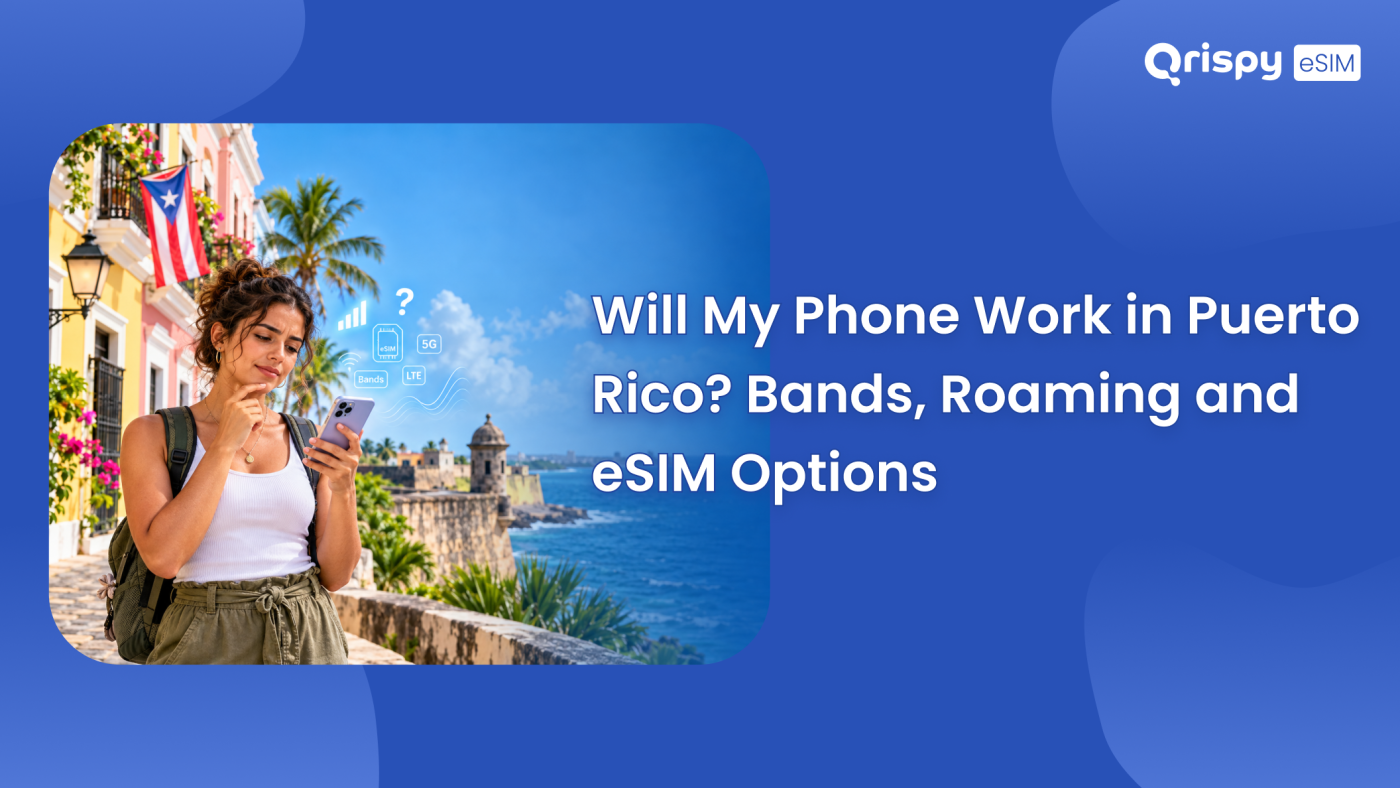
Yes, in almost every case. Puerto Rico is an unincorporated territory of the United States (US). Its networks run the same technology families as the mainland, so handsets sold anywhere in North America work there without modification. If your phone is unlocked, supports 4G Long Term Evolution (LTE) on North American bands and has Voice over LTE (VoLTE) switched on, it will register within a minute of landing. The 2 things that genuinely spoil a trip are a carrier lock you did not know about and a plan that quietly treats the island as somewhere foreign.
Most US postpaid plans fold Puerto Rico into the domestic footprint, which means no international roaming charge and no separate pass to buy. That is a commercial decision by each carrier rather than a legal guarantee, so prepaid tariffs, older grandfathered plans and some mobile virtual network operator (MVNO) products handle the island differently. Travellers arriving from Europe, Canada or Latin America face a related but separate question, because their operator may or may not list Puerto Rico alongside the mainland.
Below are the checks that matter, in the order worth doing them: whether the handset is locked, which bands it needs, how your own plan classifies the island and what to install if the answer disappoints you. This is a device and billing guide rather than a travel guide, so it stays on the hardware and the fine print.
Will my phone work in Puerto Rico?
Yes, provided 3 conditions hold. The handset has to be unlocked or still active with the carrier that locked it. It has to support the North American band plan, which nearly every phone sold in the Americas does by default. Your plan or travel profile then has to include the island rather than carve it out.
- Unlocked status or an active plan with the carrier that locked the device.
- 4G LTE support on North American bands, because older networks have been retired.
- VoLTE switched on, since calls no longer fall back to a legacy network.
- A plan or profile that covers Puerto Rico rather than excluding territories.
- An embedded SIM (eSIM) capable handset if you intend to install a travel profile.
Phones bought in Europe, Asia or Australia are the usual source of trouble, though even then the problem is rarely fatal. A European flagship generally supports the main North American LTE bands but may miss a 5G band or 2, which costs you speed rather than service. Check your exact model number against the manufacturer’s specification page, because regional variants of the same handset often carry different radios.
How US carriers treat Puerto Rico
Puerto Rico sits inside the North American Numbering Plan and uses the +1 dialling code with the 787 and 939 area codes, which is why it appears as a domestic destination in most US billing systems. Calls, texts and data on a mainstream postpaid plan normally behave exactly as they do in Florida or Texas, with no roaming notification when you land.
Read the fine print anyway. Some prepaid tariffs and resold plans exclude territories, cap hotspot use outside the mainland or reduce video quality when you are on a partner network. Search your plan terms for the words Puerto Rico specifically rather than assuming that domestic means everywhere the flag flies. Then confirm whether tethering carries the same allowance.
Which bands Puerto Rico networks use
Spectrum is measured in megahertz (MHz) for the lower bands and gigahertz (GHz) for the higher ones, and the island uses the same allocations as the mainland. That is good news for compatibility, because it means the band list on your handset only has to match a plan that manufacturers already build for.
| Technology | Spectrum used across North America | What it means for you |
|---|---|---|
| 4G LTE | 700 MHz, 850 MHz, 1700 and 2100 MHz, 1900 MHz | The workhorse layer and the minimum your phone must support |
| Low-band 5G | 600 MHz and 700 MHz | Wide reach at modest speeds, useful away from the coast road |
| Mid-band 5G | 2.5 GHz and the C-band range | Where most of the capacity sits around San Juan and larger towns |
| 2G and 3G | Retired by the major North American operators | An older handset without LTE may not register at all |
Band numbers matter more than marketing names. If your specification sheet lists LTE bands 2, 4, 5, 12 and 66, you are well covered for data. Missing a mid-band 5G channel is a performance question rather than a coverage question, and you will still get a usable connection in San Juan, Ponce and Rincon.
Check whether your phone is unlocked
A carrier lock is the single most common reason a working handset refuses a new profile. Do this check at home, because unlocking usually requires an account in good standing and can take a working day or more to process. Consumer guidance on device unlocking is published by the Federal Communications Commission.
Checking carrier lock on iPhone
Open “Settings”, tap “General”, tap “About” and scroll to “Carrier Lock”. The words “No SIM restrictions” mean the handset is free to use any network or downloaded profile. Anything else, including a named carrier, means you need that carrier to release the device before a travel profile will activate, no matter how compatible the hardware is.
Checking carrier lock on Android
Android has no single universal lock screen. On a Google Pixel, open “Settings”, tap “About phone” and open “SIM status” to see the network the device is registered to. On a Samsung Galaxy the equivalent sits under “Settings”, “About phone” and then “Status information”. Neither screen states the lock plainly, so the reliable test is inserting another carrier’s SIM or asking your carrier, which holds the authoritative record.
Confirm your device supports eSIM
An eSIM is a profile downloaded into a chip already soldered into the handset. Support is easy to verify in under a minute, and the presence of an embedded SIM identifier (EID) is the definitive signal. Both platform makers publish their own eSIM guidance at Apple Support and Google Support.
Finding the EID on iPhone
Open “Settings”, tap “General”, tap “About” and scroll down the list. A device with eSIM support shows an EID below the International Mobile Equipment Identity (IMEI). If no EID line appears, the handset cannot hold a downloaded profile and a physical SIM is your only route to a local network.
Finding the EID on Android
Go to “Settings”, tap “About phone” and look for an EID entry, which sits under “SIM status” on a Google Pixel and under “Status information” on a Samsung Galaxy. Dialling *#06# on the keypad also works on most handsets and displays the IMEI along with the EID on a supported handset.
Visitors arriving from outside the US
Operators outside North America split into 2 camps. Some treat Puerto Rico as part of the United States, so a plan that includes American roaming covers the island automatically. Others list Puerto Rico separately, often in a more expensive Caribbean or rest-of-world zone. A few omit it from published lists altogether. Canadian plans that bundle the mainland frequently exclude territories. Search your operator’s destination list for Puerto Rico by name, take a dated screenshot of what it says and only then decide whether roaming or a travel profile is the better purchase.
Comparing your connectivity options
- Your existing US plan is simplest when the terms genuinely include the island, though it is worth nothing when they do not.
- A local prepaid SIM gives local pricing but takes a shop visit, an identity check and a temporary number change.
- Hotel and cafe Wi-Fi is convenient and free, yet it disappears on the road and is weak for banking.
- Carrier roaming from outside North America keeps your number but sits at the top end for price.
- A travel eSIM installs before departure, keeps your primary number live and needs an unlocked device.
Installing a travel eSIM before departure
Qrispy uses a single profile called the One eSIM. You install it once, keep it on the device and it works across 210+ countries and regions, so the same profile covers your next trip too. Buy data in whichever shape suits you: the Global Wallet is pay as you go with credits that never expire and rates that vary by destination, shown before you confirm, while Fixed Plans are prepaid for a country or region in durations of 3, 7, 15 or 30 days. Unlimited Data Plans run in 90+ countries for 3, 7, 15 or 30 days, with fair use or temporary speed management possible during very heavy usage or congestion.
Unlimited personal hotspot is included on all plans, with usage deducted from your balance or allowance, which suits a laptop-heavy work trip. Because Qrispy uses Smart IP Routing, your traffic exits at the nearest Point of Presence (PoP), with live sites including Ashburn and Dallas in the United States, so latency stays low while your visible address may sit elsewhere. That matters for geo-restricted streaming and some login checks, though it changes nothing about coverage. Run your handset through the Qrispy device compatibility checker, then compare the Qrispy eSIM plans for Puerto Rico.
Installing on iPhone
Buy or top up first, then open the Qrispy eSIM app and follow the guided install. The manual route is “Settings”, “Mobile Data”, which appears as “Cellular” on United States devices, then “Add eSIM” and “Use QR Code” to scan the Quick Response (QR) code. Afterwards set Qrispy as the line under “Mobile Data”, turn “Data Roaming” on for it and leave your primary line for calls and messages.
Installing on Android
On a Google Pixel, open “Settings”, tap “Network and internet”, tap the plus symbol beside “SIMs”, choose “Download a SIM instead?” and scan the code. On a Samsung Galaxy, open “Settings”, tap “Connections”, tap “SIM manager”, tap “Add eSIM” and then “Scan QR code from service provider”. Set the Qrispy profile as the mobile data line afterwards and enable “Data roaming” for that profile only.
If your phone will not connect
- Toggle Airplane Mode on and off to force a fresh network registration.
- Confirm the correct line is selected for mobile data on a dual SIM device.
- Check that “Data Roaming” is enabled for the travel profile rather than the primary line.
- Install any pending carrier settings update before you leave home Wi-Fi behind.
- Select a network manually if the phone keeps hunting between operators.
- Restart the handset once, which resolves more registration faults than any other step.
Persistent failure after all of that usually points back to the lock, not to the island. A handset that refuses every profile and every SIM is locked. Only the carrier that locked it can change that.
Frequently asked questions
Is Puerto Rico domestic for US carriers?
Usually, yes. Most US postpaid plans include Puerto Rico in the domestic footprint, so calls, texts and data behave as they do on the mainland. Treat that as a commercial choice rather than a rule, because prepaid tariffs and some resold plans exclude territories or restrict hotspot use. Confirm the wording in your own plan terms.
Does my phone need VoLTE?
Yes, for calls. North American operators have retired their older networks, so voice now runs over 4G LTE or 5G. A handset without Voice over LTE support may show a data connection yet fail on calls. Switch the setting on before you travel, then install any carrier settings update your phone offers you.
Do I need an unlocked phone?
You need an unlocked handset only if you plan to use a different network or install a travel profile. A phone locked to a US carrier still works on that carrier’s own service in Puerto Rico. Check Carrier Lock on iPhone under Settings, General and About, then ask your carrier when the Android screen stays unclear.
Which bands does Puerto Rico use?
The island uses the standard North American band plan, with 4G LTE across 700, 850, 1700 and 1900 megahertz, plus low-band and mid-band 5G. Almost any handset sold in the Americas covers these. A European or Asian model usually connects but may miss a 5G band, which reduces speed rather than blocking service.
Will my European phone work there?
Almost certainly. European handsets support the main North American LTE bands, so you will get a working data connection on arrival. Some regional variants omit certain 5G bands, which costs performance in busy areas rather than coverage. Check your exact model number on the manufacturer’s specification page, since the same phone name ships with different radios.
Can I use an eSIM instead?
Yes, if your handset is unlocked and lists an EID on its About screen. A travel profile downloads before departure and sits alongside your existing line, so your usual number stays reachable for one-time passcodes. Run the model through the Qrispy device compatibility checker to confirm support before you buy anything.
Stay connected anywhere with Qrispy eSIM
Stay connected in 210+ countries with Global Wallet, Fixed Plans and Unlimited Data. No contracts, no roaming fees, no expiry. Download the Qrispy eSIM app today and start your journey.

Puerto Rico Plans
Prepaid data plans for planned stays
Loading pricing plans...