


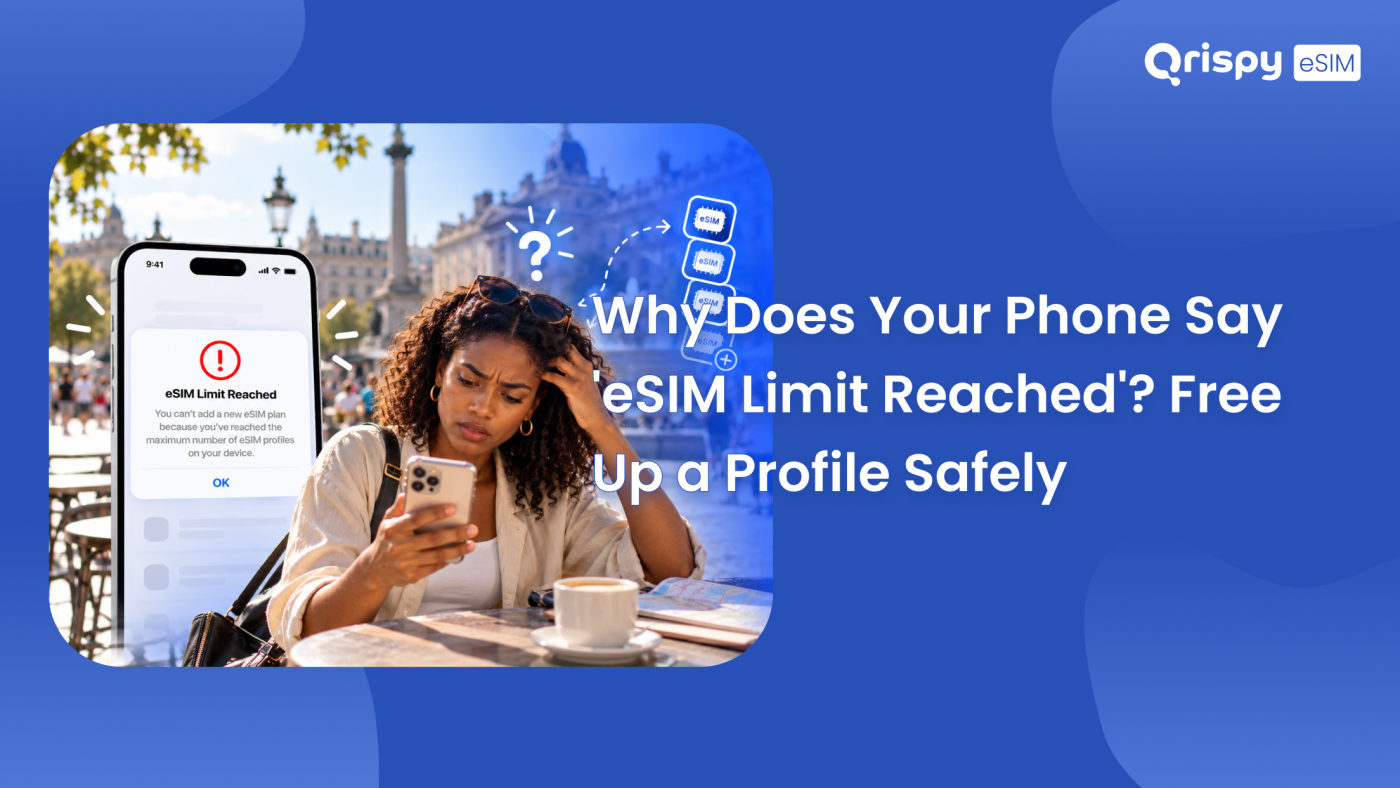
You go to install a travel plan, the phone refuses and the screen says the embedded SIM (eSIM) limit has been reached. Nothing installs. Nothing explains what to do next.
Here is the short answer. The chip inside your handset holds a finite number of stored eSIM profiles, yours is full, so nothing new can be written until you free a slot. Turning a line off does not help, because a disabled profile still occupies its space. Your real options are to delete a profile you no longer need, move it to another device or ask the provider that issued it to clear it from their side. Deleting is usually permanent, so the safe order is to confirm you can get a profile back before you remove it.
The rest of this guide is about doing that cleanup without breaking anything. Qrispy has already covered the raw profile counts per handset elsewhere on the Qrispy blog, so this piece skips the numbers game entirely. Instead it shows you how to work out which profile is genuinely safe to remove, the exact delete path on iPhone and on Android, the alternatives that avoid deletion altogether, plus the cases where a full chip is not the real cause at all.
What eSIM limit reached actually means
An eSIM profile is not a file in your photo library. It is written into a dedicated secure chip, the embedded Universal Integrated Circuit Card (eUICC), which has a fixed amount of space set at manufacture. Each profile carries operator keys, network settings and identifiers, so every stored plan consumes part of that space whether you use it daily or forgot about it 2 years ago.
When the space runs out, the operating system blocks the next download rather than silently overwriting something. That is a deliberate safety design: nobody wants a bank verification line quietly deleted so a holiday data plan can install. The message you see is therefore a refusal, not a fault. No amount of restarting or reinstalling will change it. Something has to leave first.
Stored profiles versus active lines
Confusing these 2 ideas causes most of the wasted troubleshooting. A stored profile is the equivalent of a Subscriber Identity Module (SIM) card that never leaves the phone: it sits in the chip whether or not you are using it. An active line is a profile currently switched on and registered to a network. Current iPhone models let you run 2 lines at the same time while keeping further profiles stored but switched off. Android behaves in a comparable way. Switching a line off changes only its active status. The storage stays occupied, which is precisely why toggling everything off does not clear the error.
Check before you delete anything
Deletion is the step people regret. On most services the activation code is consumed the moment the profile is downloaded, so removing the profile does not hand the code back to you. Run through this list before you tap anything final:
- Ask the issuing provider, in writing, whether they will reissue the profile at no cost if you delete it.
- Note the phone number attached to the line, if it has one.
- Note the Integrated Circuit Card Identifier (ICCID) of the profile, shown in the plan details on both platforms.
- Note your handset’s eUICC Identifier (EID), which support teams ask for when they reissue.
- Check whether the line receives banking or work verification codes before you touch it.
- Confirm the remaining data or validity on the plan, since deleting normally forfeits it.
- Ask your IT administrator first if the profile was installed by your employer.
A useful rule of thumb: delete an expired travel plan from a trip you have already taken, never the line that receives your bank codes. If you cannot tell which profile is which, label them properly before you start. Both platforms let you rename a plan, so a profile called “Japan, March, expired” is far easier to sacrifice than a profile called “Secondary”.
Freeing a profile safely on iPhone
Open Settings, then “Mobile Service” on a current UK English iPhone. Older releases label the same screen “Mobile Data”, while a United States English device says “Cellular”. Your plans appear in a list under the mobile plans heading. Tap the plan you have decided to remove, scroll to the bottom of its details screen then tap “Delete eSIM”. iOS asks you to confirm. Once you do, the profile is gone from the chip.
Before that confirmation, take 2 precautions. Screenshot the plan details screen so you keep the ICCID and any phone number. Check the label under Settings, then “General”, then “About” to be certain you are working on the handset you think you are, especially if you own more than a single iPhone. Apple sets out its own device requirements and limitations in its eSIM support documentation, which is worth reading if your model is a few generations old.
If the plan belongs to a network you still want, look at the transfer route instead. On a receiving iPhone, go to Settings, then “Mobile Service”, then “Add eSIM” then choose the option to transfer from a nearby iPhone. Both devices need to be awake, unlocked and close together. Your carrier also has to support the feature. Where it works, the profile moves rather than dying.
Freeing a profile safely on Android
Paths differ by manufacturer, so use the route that matches your handset. On a Samsung, open Settings, tap “Connections”, then “SIM manager”, select the downloaded plan then choose the option to remove it. On a Pixel, open Settings, go to the network and internet section, then “SIMs”, select the plan then use the erase option. Both flows ask for confirmation. Both are final once confirmed.
Android has a habit of leaving a plan visible after a failed download, which looks like clutter but still counts against your storage. If you see a profile that never worked, that is usually the safest candidate to clear. Check for a pending system update first, because profile handling improves between releases: a Pixel lists “System update” under Settings, then “System”, while a Samsung shows “Software update” in Settings. Google keeps device specific instructions on its official support site.
Ways to avoid deleting a profile
Deletion is not your only move. Depending on the provider, several of these are reversible, which makes them a better first attempt when the profile still matters to you.
| Option | What it does | Can you undo it? |
|---|---|---|
| Turn the line off | Stops the line without removing the profile. | Yes, but the storage stays occupied. |
| Delete the profile | Removes it from the chip and frees a slot. | Usually only with a reissued activation code. |
| Transfer to another device | Moves the line to a second handset. | Yes, where the provider supports transfer. |
| Ask the provider to clear it | Removes the profile at the server end. | Depends entirely on their policy. |
| Convert back to a physical card | Moves the line onto a plastic SIM. | Yes on carriers that offer both formats. |
Providers vary widely here, so ask rather than assume. A large national carrier will often reissue a profile for a line you pay for monthly. A prepaid travel plan bought for a single trip is far more likely to be treated as consumed once downloaded.
When storage is not the problem
Sometimes the phone reports a limit when the real block sits elsewhere. Rule these out before you start deleting perfectly good plans:
- A handset locked to a carrier will refuse profiles from other providers regardless of free space.
- A work phone under mobile device management (MDM) may forbid new mobile plans outright.
- An activation code that has already been downloaded elsewhere fails no matter how empty the chip is.
- A stalled download can leave the system convinced a write is still in progress until you restart.
- A device that has never supported eSIM hardware will always refuse, whatever the wording suggests.
Restart the phone once before your first deletion. It costs a minute and it clears the stalled-write case, which otherwise persuades people to remove a profile they needed.
Keeping the slot free long term
Chip space fills up for a predictable reason: a fresh profile for every trip. Buy a plan for Spain in April, a plan for Japan in July, a plan for the United States in November. By the following spring you are back at the same refusal screen. The fix is to stop treating each journey as a new installation.
This is where Qrispy fits naturally once your cleanup is finished. Qrispy works on a One eSIM model: you install a single profile, keep it on that device permanently then add data to it as you travel, with coverage across 210+ countries and regions. That data arrives 3 ways on the same profile. The pay as you go Global Wallet holds credits that never expire. Fixed Plans cover a country or region for a set number of days. Unlimited Data Plans run in 90+ countries, with fair use or temporary speed management possible during very heavy usage. Unlimited personal hotspot is included on all plans, deducted from your balance or allowance.
Practically, that means your storage stops filling up. Change handsets and you buy a new One eSIM for the new device, while the credits stay with your account rather than dying with the old phone. If a profile still refuses to install after a clean deletion, the Qrispy help centre walks through the install flow. Support can also check the profile status from their side.
Frequently asked questions
Does turning a line off free space?
No. Switching a line off changes only whether it is registered to a network. The profile stays written in the secure chip and continues to occupy its slot, which is why the error persists after you disable everything. Only deleting the profile, transferring it or having the provider clear it releases the space.
Can I reinstall a deleted eSIM?
Usually not with the original code, because most activation codes are consumed at first download. Some carriers will reissue a profile for an ongoing contract line at no charge, while prepaid travel plans are more often treated as spent. Always ask the provider in writing before you delete, never afterwards.
Which profile should I remove first?
Start with an expired travel plan from a trip that has already finished, then any profile left behind by a download that never worked. Keep any line that receives banking or work verification codes, keep your main number and keep anything installed by an employer until IT confirms it is safe.
Does erasing my phone remove eSIMs?
It can. Erasing all content and settings offers to remove installed plans. Choosing that option deletes them permanently from the chip. If you are wiping a handset you intend to keep using, read each prompt carefully. If you are selling the device, removing the profiles is exactly what you want.
Will deleting an eSIM cancel my plan?
Not by itself. Deleting removes the profile from your handset while your account, contract or remaining balance usually continues at the provider. The practical problem is access: without a reissued profile you cannot use the plan you are still paying for, so cancel through the provider if you want billing to stop.
Can I store an eSIM elsewhere?
No. A profile lives in the secure chip of a specific device rather than in a backup, a cloud account or a photograph of a Quick Response (QR) code. That is what makes it hard to clone and hard to steal. Treat the provider account as your record, since that is where reissues come from.
Stay connected anywhere with Qrispy eSIM
Stay connected in 210+ countries with Global Wallet, Fixed Plans and Unlimited Data. No contracts, no roaming fees, no expiry. Download the Qrispy eSIM app today and start your journey.